Expanded Data on Detail Pages
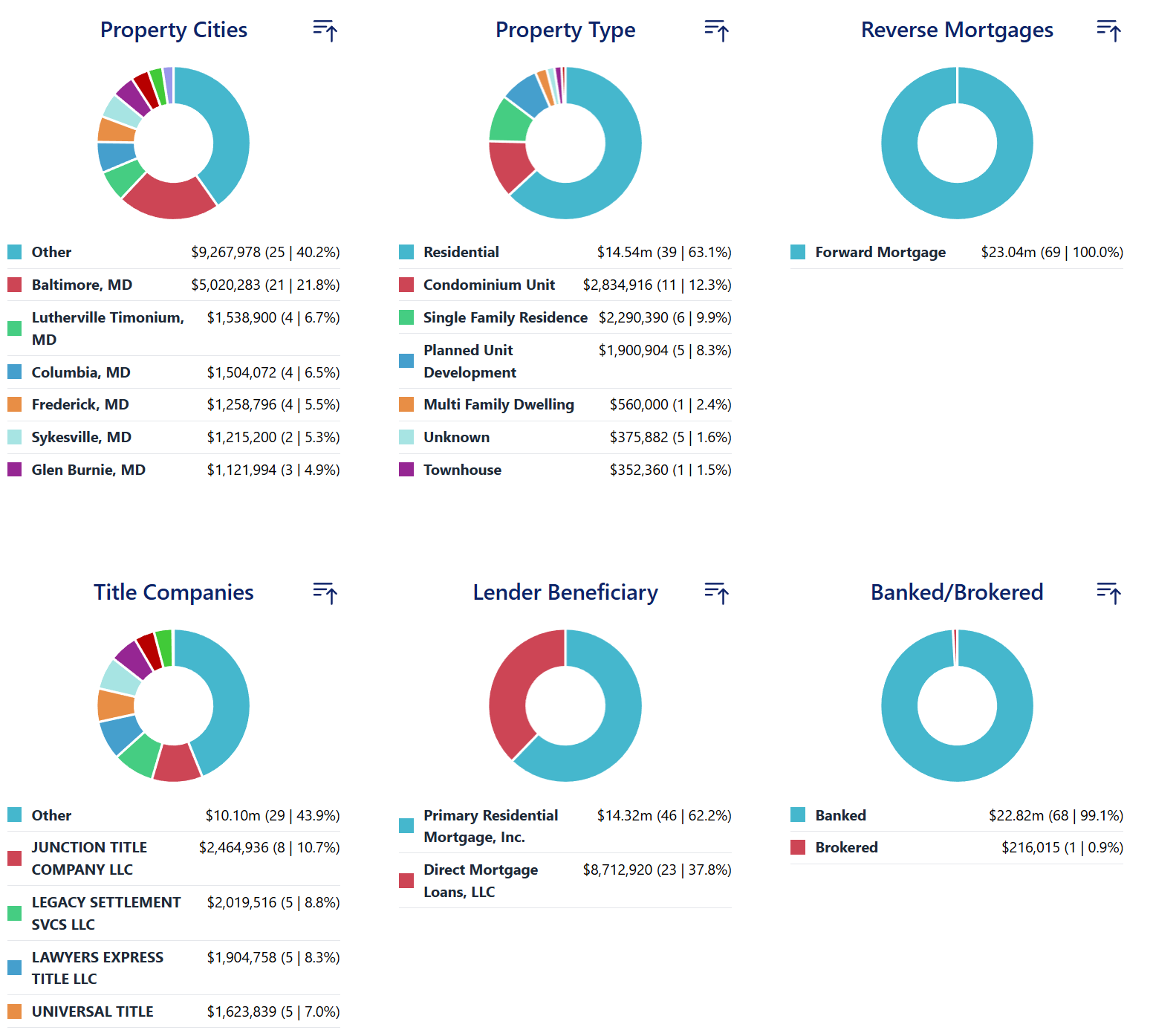
Modex detail pages provide comprehensive "Mortgage Metrics" to help you analyze production data. By default, data widgets such as "Loan Types" and "Property Cities" display the top 10 results to provide a quick overview. Any data falling outside this top 10 is often grouped into an "Other" category.
You can expand these widgets to view the full, itemized list of data.
Viewing the Full Data List
- Navigate to a Loan Officer's detail page by clicking on any Loan Officers name.
- Scroll down to the "Mortgage Metrics" section.
- Locate the specific widget you want to analyze, such as "Loan Types" or "Property Cities".
-
Click the arrow icon located in the top right corner of the widget.
-
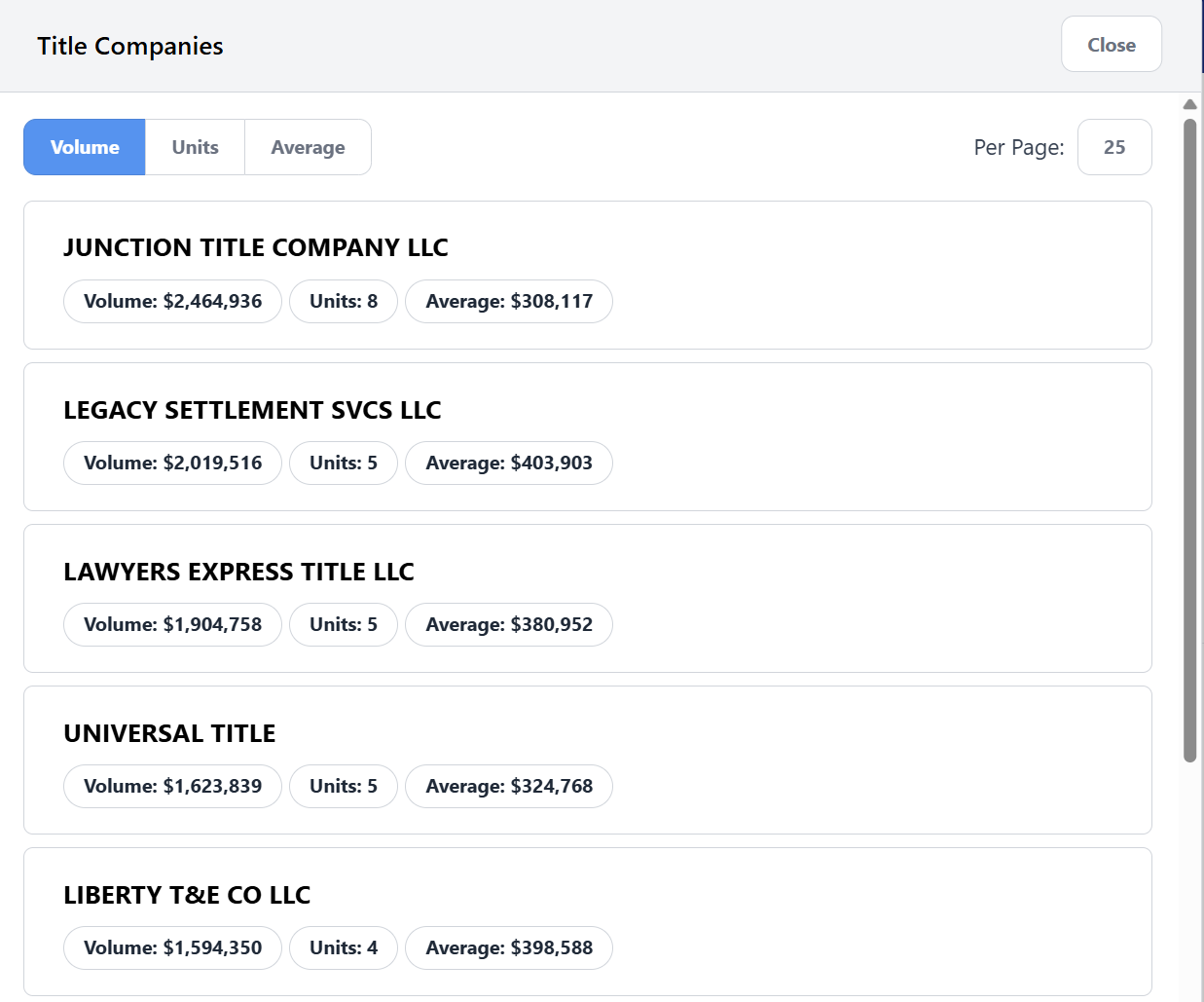
A window will appear generating a detailed list, allowing you to see every data row rather than just the top 10 summary.